Accessing Online Resources

Most of your Brown University Library’s online resources can be accessed both on and off campus through Brown’s Virtual Private Network (VPN) or by signing in with your Brown credentials. For the most consistent experience, access library subscription resources by using the links on the library website.
Resources accessible on and off campus include, but are not limited to, research databases, full text journals, and streaming videos. Current students, faculty, and staff, and some users with sponsored IDs, can use their Brown credentials to access online resources.
Due to the nature of the Library’s contractual agreements, alumni are restricted in what they can access and should consult the information on the Brown Alumni & Friends website.
On-Campus vs. Off-Campus Access
On Campus
Access library subscription resources through links on the library website. On-campus users or users already connected to the VPN may not be asked to log in at all.
Off Campus
For off-campus users, most resources will require logging in with Brown credentials. A limited number of resources will require connection to the Brown VPN. Look for notes or icons for resource links that indicate when VPN access is needed.
For help with Off-Campus Access
- Brown login
- Two-step verification
- Brown's VPN
Authentication Using Brown Credentials
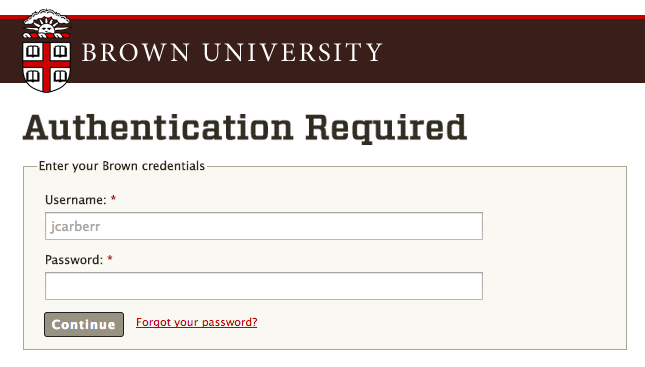
The majority of the Library’s subscription resources will ask for your Brown credentials when using the links from BruKnow or other search tools on the library website. Like most Brown-restricted resources, two-step verification is required. Web Authentication (Shibboleth) provides the Brown community with the ability to protect web resources and exercise fine-grained control of access to those resources to members of the Brown Community as well as other institutions that use Shibboleth.
Brown’s Virtual Private Network (VPN)
Some library resources require the Brown VPN when authenticating from off campus. The Library maintains a list of resources requiring the VPN.
Troubleshooting
For help troubleshooting the most common issues with online resources, see the FAQs for e-resources.
If you need help troubleshooting, open a ticket using the Report an E-Resource Problem form.